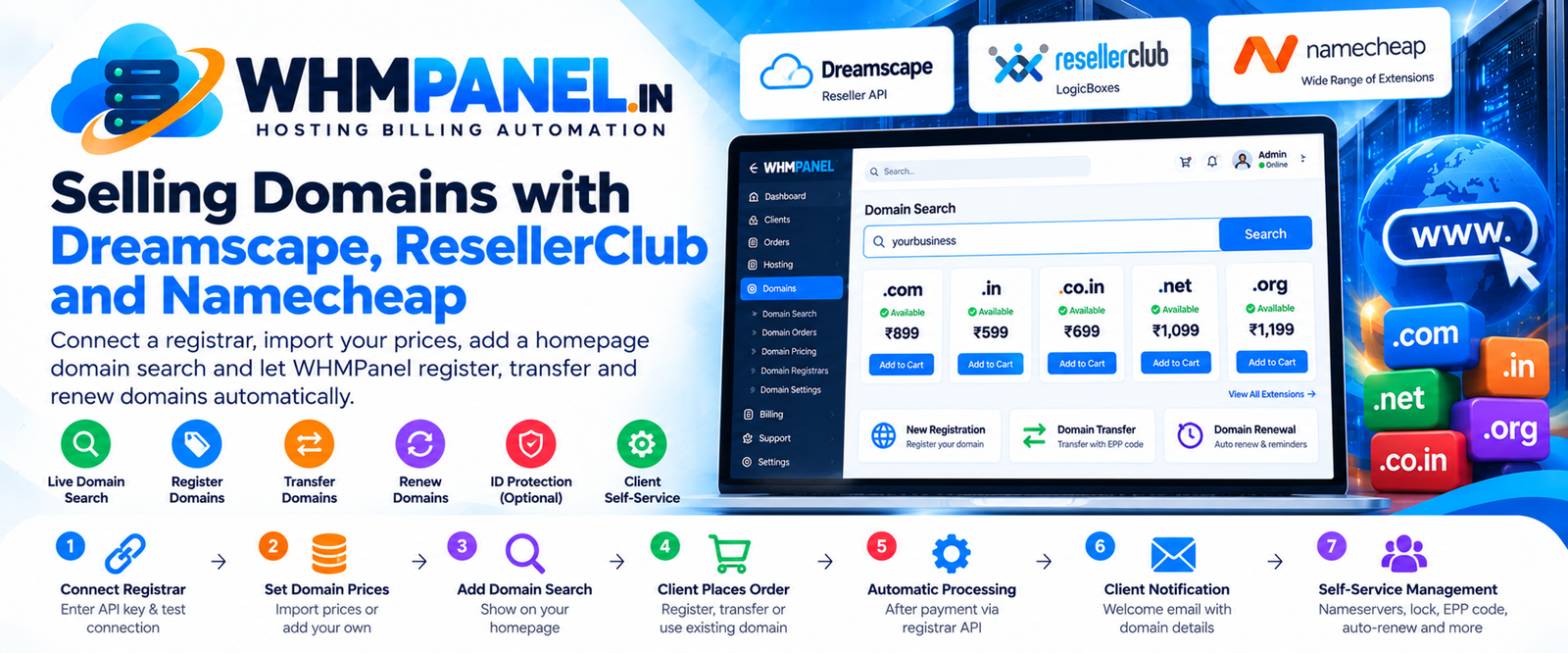
Domains are the doorway to hosting: most new websites start with a domain search. Selling domains yourself keeps the client with you from day one — and renewals bring steady, predictable income. Here is how to set it up in WHMPanel.
Choose a registrar
WHMPanel works with three registrar APIs plus a manual mode:
- Dreamscape — built on the official Dreamscape Reseller API SDK.
- ResellerClub (LogicBoxes) — popular with Indian resellers.
- Namecheap — wide range of extensions.
- Manual — register by hand at any registrar; WHMPanel still handles billing and reminders.
You can mix them: each extension (.com, .in, .co.in …) uses the registrar you choose for it.
Connect it
Under Integrations › Domain registrars, enter your reseller ID and API key. Most registrars require you to whitelist your server's IP address in their dashboard first. Press Test connection to make sure everything works, and use the sandbox switch while you test.
Set your prices
Open Domain pricing and add your extensions, or use Import prices to load your cost prices from the registrar and add your margin. For each extension you set register, renew and transfer prices, the number of years allowed and whether ID protection is offered.
Let clients search
Add the Domain search section to your homepage. Clients type a name and see availability across your popular extensions in one go, with prices and an Add to cart button. Availability is checked live through RDAP, with WHOIS as a fallback, so results are fast even for many extensions.
When a client orders hosting, they can register a new domain, transfer one with its EPP code, or use a domain they already own.
What happens after payment
- New registrations are registered at the registrar and the client gets an email with the expiry date.
- Transfers start straight away; WHMPanel keeps checking and marks the domain active when the transfer completes.
- Renewal invoices are created ahead of expiry, with reminders at the days you choose (for example 30, 7 and 1 day before).
- Every day, expiry dates and status are synced with the registrar.
Self-service for clients
From their client area, clients can change nameservers, lock or unlock the domain, get the EPP code, switch auto-renew, turn on ID protection and manage child nameservers. Fewer tickets for you, faster changes for them.
Tips
- Bundle a free .com or .in with yearly hosting plans — a classic and effective offer.
- Keep your renewal price honest; surprise renewal prices are the top reason clients move away.
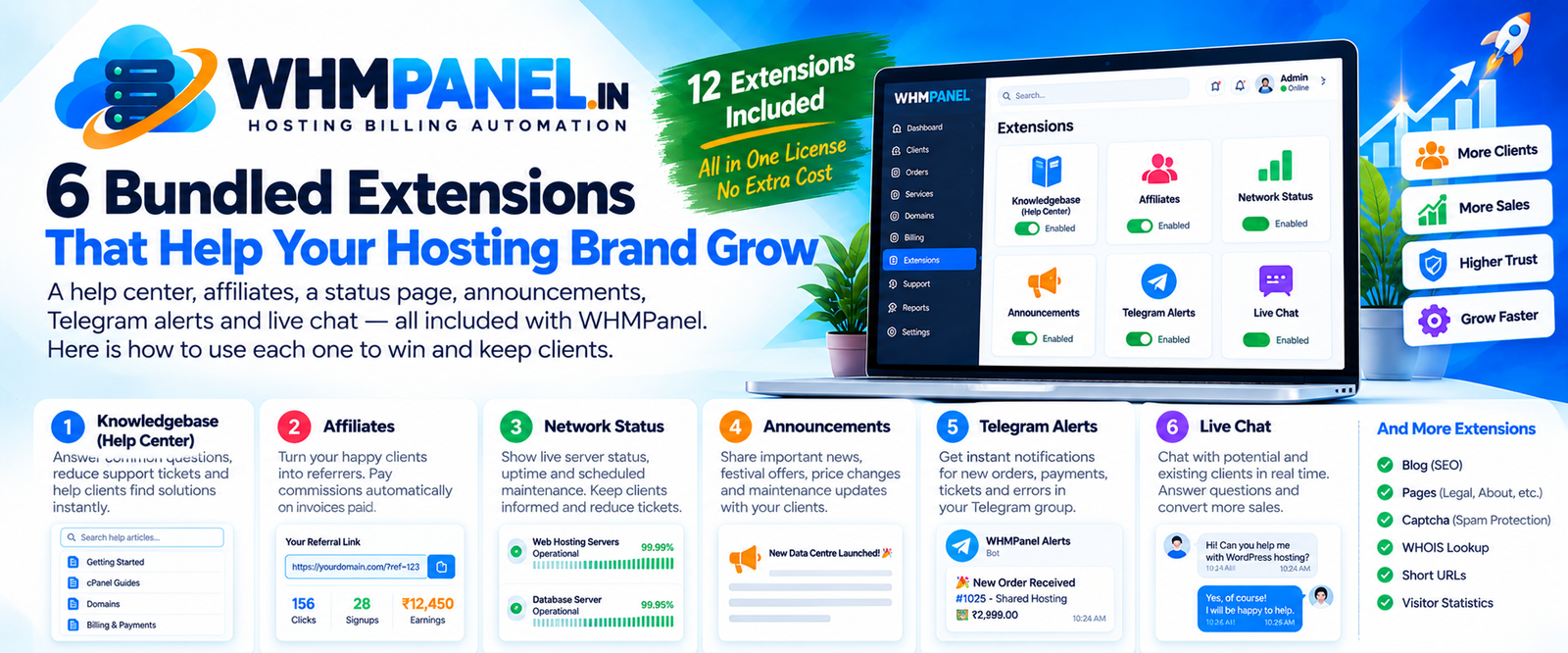
- Turn on the WHOIS lookup extension so visitors can check any domain on your site.
0 comments