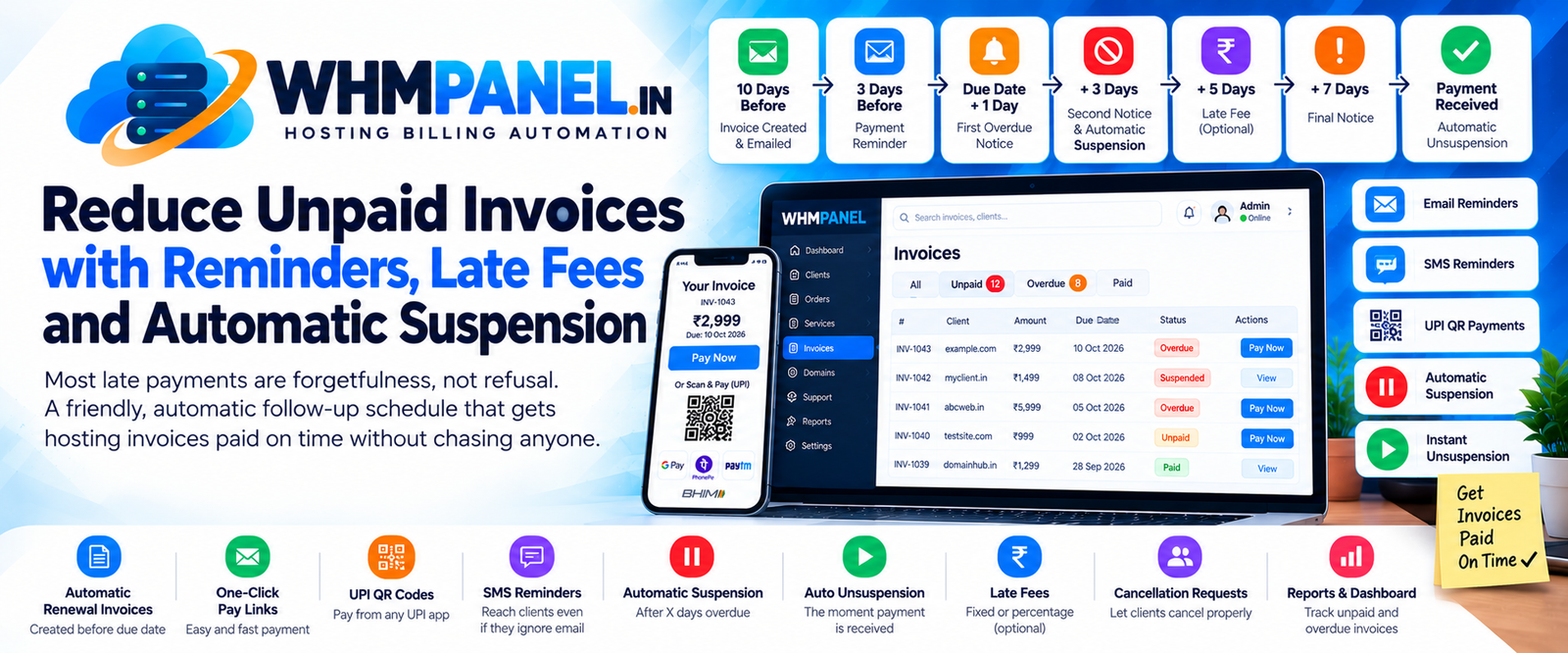
Ask any hosting owner what takes the most time and many will say: chasing payments. The good news is that most late payments are simple forgetfulness. A clear, automatic schedule fixes most of them — politely and without you lifting a finger.
The schedule we recommend
| When | What happens |
|---|---|
| 10 days before the due date | The renewal invoice is created and emailed. |
| 3 days before | A friendly payment reminder. |
| Due date + 1 day | First overdue notice. |
| Due date + 3 days | Second notice; the service is suspended. |
| Due date + 5 days | Optional late fee added. |
| Due date + 7 days | Final notice. |
| Payment received | Service unsuspended immediately. |
All of these numbers are settings under Billing settings and Automation, so you can make the schedule softer or stricter for your market.
Make paying effortless
- One-click pay links in every email take the client straight to the invoice.
- UPI QR codes on invoices let clients pay from their phone in seconds.
- Account credit: clients who top up in advance have renewals paid automatically from their balance — no reminders needed at all.
- SMS reminders for overdue invoices reach people who ignore email. Turn on SMS under Settings › SMS setup with Twilio or any Indian SMS gateway.
Suspension without drama
Suspension is not a punishment; it is the reminder that always gets noticed. WHMPanel records the reason ("Overdue invoice INV-1043"), shows a clear message in the client area with a pay button, and unsuspends the account the moment the invoice is paid — even at 2 a.m. on a Sunday. For trusted clients, tick Never suspend automatically on their service.
Late fees: use with care
A small late fee (a fixed amount or a percentage) can nudge habitual late payers. Add it a few days after the due date, not on day one, and mention it in your terms. Many hosts start without late fees and add them only if needed.
Let clients cancel properly
Some unpaid invoices belong to clients who simply want to leave. Let them say so: clients can request cancellation at the end of the period or immediately, and WHMPanel carries it out on the right day and cancels the pending invoice. That keeps your books clean and your suspended list short.
Watch the numbers
Your dashboard shows unpaid and overdue totals at a glance. Check them weekly. If overdue invoices keep growing, look at which plans or payment methods they come from — the fix is often a missing payment option rather than unwilling clients.



0 comments