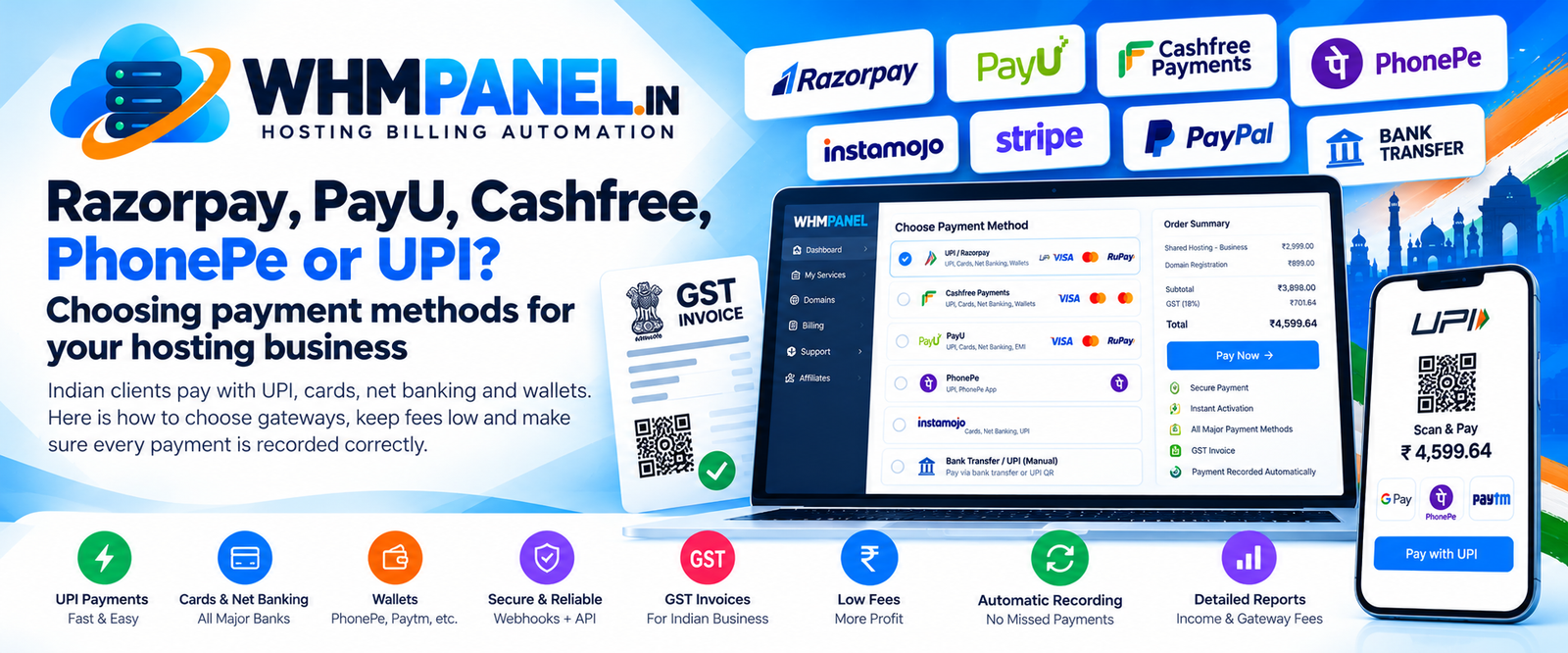
The fastest way to lose a hosting order is a checkout that does not offer the client's favourite way to pay. In India that usually means UPI first, then cards, net banking and wallets. Here is how to set up payments in WHMPanel so clients can pay the way they like — and you get every rupee recorded.
The options built into WHMPanel
| Method | Good for |
|---|---|
| Razorpay | UPI, cards, net banking and wallets in one checkout. |
| Cashfree | Competitive fees and fast settlements. |
| PayU | Wide bank coverage and EMI options. |
| Instamojo | Easy onboarding for small businesses. |
| PhonePe | Clients who live in the PhonePe app. |
| Stripe and PayPal | International clients paying in other currencies. |
| Bank transfer / UPI with QR | Zero gateway fees; the client uploads a proof and you approve it. |
| Account credit | Clients who top up in advance and pay invoices from their balance. |
Our recommendation
- One main gateway for instant UPI and card payments — Razorpay or Cashfree are good starting points.
- Bank transfer / UPI with QR as a no-fee option for larger invoices and business clients.
- Stripe or PayPal only if you sell abroad.
Too many buttons at checkout confuse people; two or three well-chosen options convert better than eight.
Webhooks: the step everyone forgets
A client pays, closes the browser before returning to your site — and the invoice stays unpaid. Webhooks fix that: the gateway tells WHMPanel about the payment directly. On each gateway's settings page in WHMPanel you will find a Webhook URL. Copy it into the gateway dashboard and subscribe to the payment events listed there. Then use Test connection to confirm the keys work.
Every payment recorded exactly once
WHMPanel confirms every online payment with the gateway's API or a verified signature — it never trusts the browser alone. The transaction ID is unique per gateway and the invoice is locked while a payment is applied, so a refreshed return page and a webhook arriving at the same time cannot pay an invoice twice. A payment in the wrong currency is refused.
Bank transfer done right
With the bank transfer method switched on, every invoice shows your account details and a UPI QR code with the exact amount. The client pays from any UPI app, then enters the UTR number and uploads a screenshot. You get a notification, open Payment proofs, and approve or reject with a reason. Approval marks the invoice paid and starts provisioning straight away.
Keep fees in check
- Encourage yearly billing with a lower effective monthly price — fewer transactions, fewer fees.
- Offer account credit top-ups so clients pay once and renew several services from their balance.
- Watch the Reports › Income page: it shows income and gateway fees per gateway, so you know what each method really costs.

0 comments